INR and UPI guide
Miller Pay INR orders: UPI workflow and payment-proof checklist
Follow the details displayed for the current order, retain payment evidence and confirm only after the recipient, amount and transaction status match.
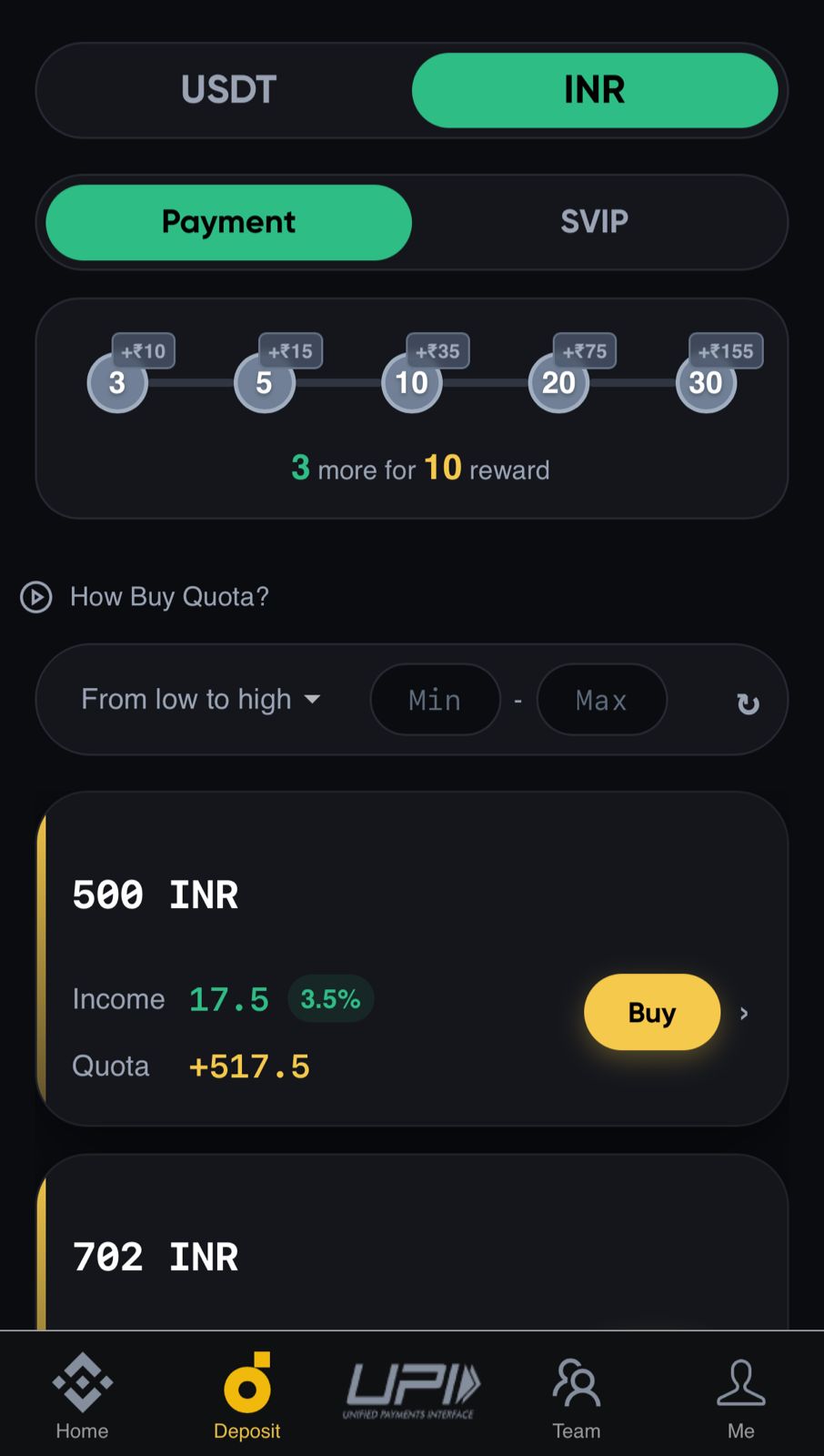
Before accepting an INR order
- Read the amount, UPI ID, account-holder name and time limit on the current order.
- Use only the payment destination displayed inside the authenticated app.
- Review the commission or bonus displayed for that order; do not assume an old rate.
- Do not continue if someone asks for an extra payment outside the order.
Payment-proof workflow
- Complete the payment through the chosen UPI or banking app.
- Confirm that the banking app shows a successful transaction, not pending or failed.
- Save a screenshot that clearly shows amount, date and transaction reference.
- Upload the proof from the gallery in the order flow and submit it once.
- Keep the UTR or reference number until the order is finally completed.
If an order is delayed
Do not make a duplicate payment. Keep the screenshot and UTR, check the order status and contact only the support route shown on this official domain. A bank reversal and an app status update can occur at different times.