App access guide
Miller Pay app download: use the official web app safely
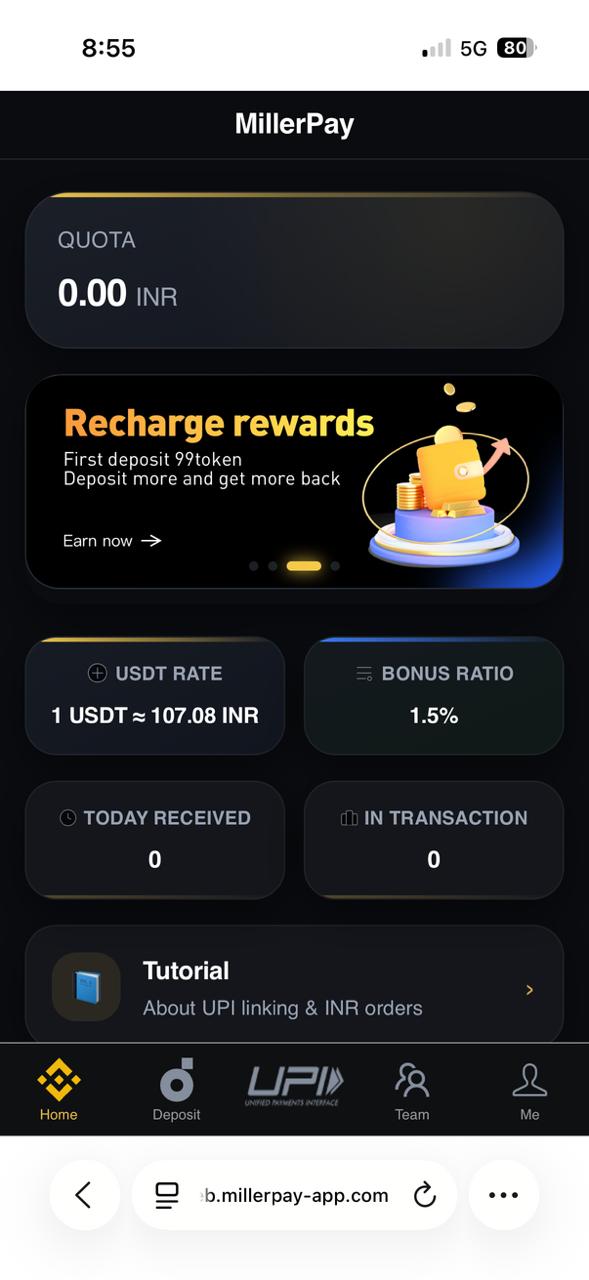
Miller Pay currently opens as a browser-based app. This guide explains how to save it to your phone and why you should avoid an unverified Miller Pay APK download.
Is there an official Miller Pay APK?
No signed APK is offered on this website at present. Use millerpay.online/login in your browser. A page offering a separate APK should not be treated as official unless this website publishes its signed file, version and checksum.
Save Miller Pay on your phone
- Open the official login URL in Chrome, Safari or your normal mobile browser.
- Open the browser menu and choose Add to Home screen or Install app when available.
- Confirm the shortcut name and open it from your home screen.
- Check the domain again before entering the phone number, password or MPIN.
Before installing any APK
An APK can request device permissions and can be modified outside the official service. Never disable Android security warnings for a forwarded file. Do not install a file from Telegram, WhatsApp, search ads or an unrelated download website.